Skills that give your AI better taste
AI can write a website in minutes, but by default it looks like every other AI website. These skills and tools fix that.
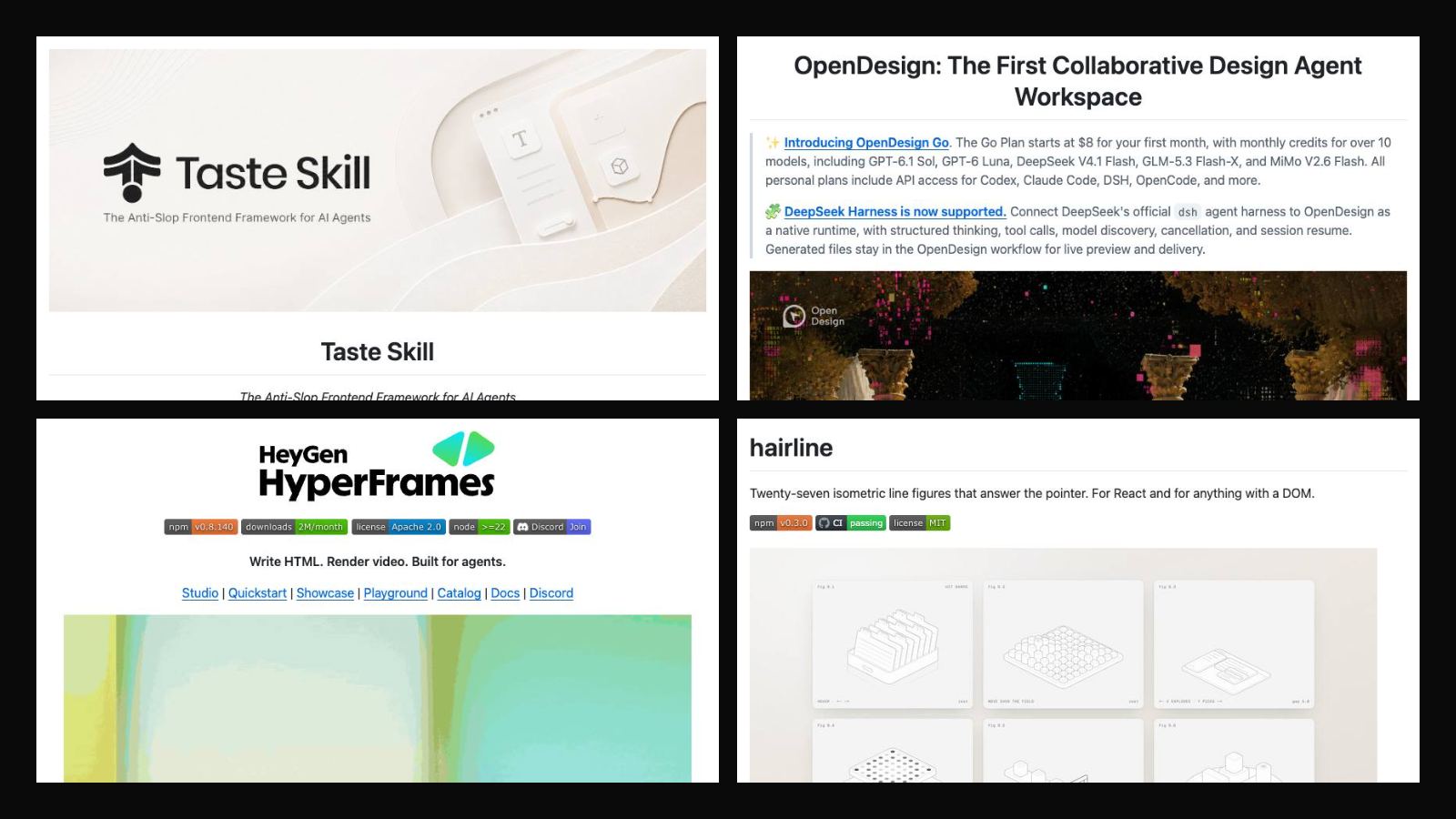
Ask an AI coding agent for a landing page and you'll get the same thing every time: centred hero, purple gradient, three feature cards. The fix isn't a better prompt each time, it's giving the agent a design language it carries into every task. That's what skills do, and these are the ones I've saved.
Design taste
Taste Skill gives your AI good taste. It's a skill that stops the agent from producing boring, generic output: it pushes towards real design direction, real typography choices and layouts that don't look templated. Use it on landing pages, portfolios and redesigns.
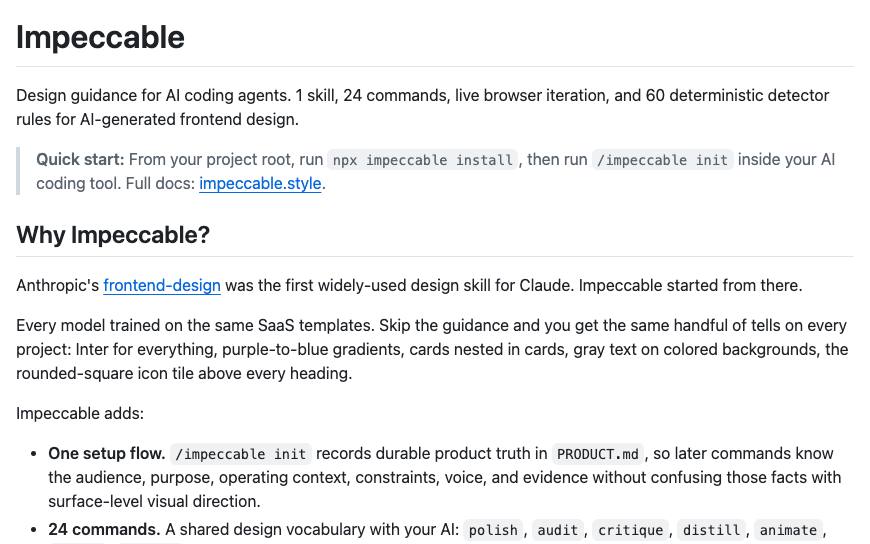
Impeccable by Paul Bakaus is a design language for your AI harness. It teaches the agent how to build high-level websites: hierarchy, spacing, typography and interaction details, plus commands to audit and polish what's already there.
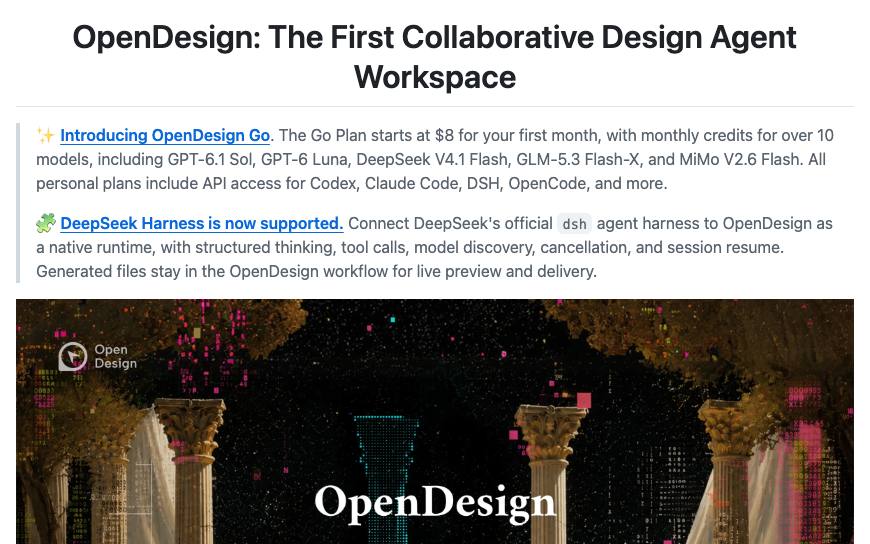
Open Design turns your coding agent into a design assistant. It's an open-source, local-first take on AI design tools: a workflow where the agent designs, not just codes.
Motion
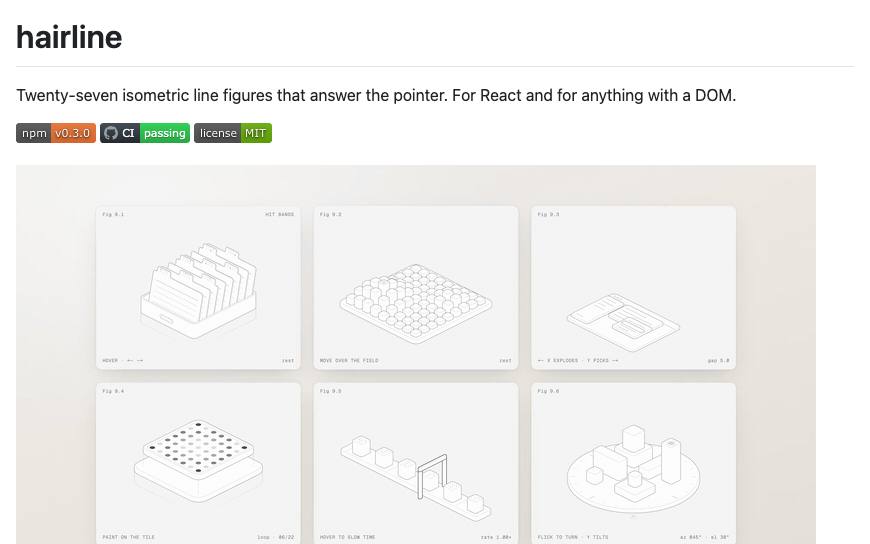
Hairline is a set of isometric line figures that react to the pointer, for React or any DOM. It's a great reference (and skill) for that thin-line, hairline style of motion graphic that makes a page feel crafted.
HyperFrames from HeyGen lets AI edit video with code: you write HTML and it renders video. Because the video is code, an agent can make and revise it like any other file. Launch videos, explainers and social clips without opening an editor.
Why skills beat prompts
A prompt fixes one output. A skill fixes the defaults. Once a skill is installed, every page the agent builds starts from better typography, spacing and motion, so you spend your time on the parts that are specific to the project instead of fighting the same generic look.