UI components, motion and backgrounds I keep open in a tab
Component libraries, Three.js heroes, charts, onboarding tours, gradients and motion templates for building websites faster.
When I'm building a site I don't start from a blank file. These are the libraries and generators I saved
this month, grouped by what they help with.
Component libraries
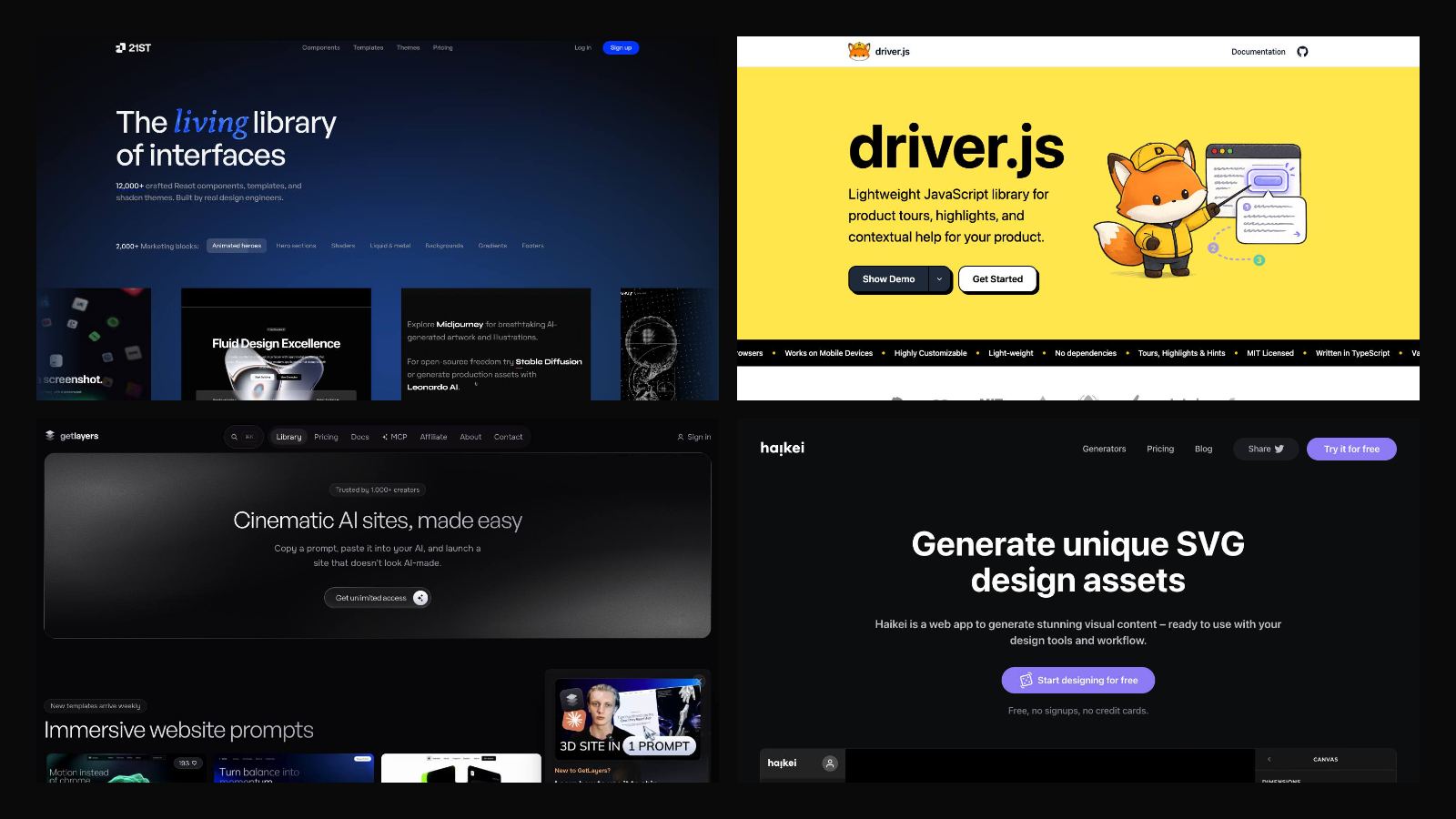
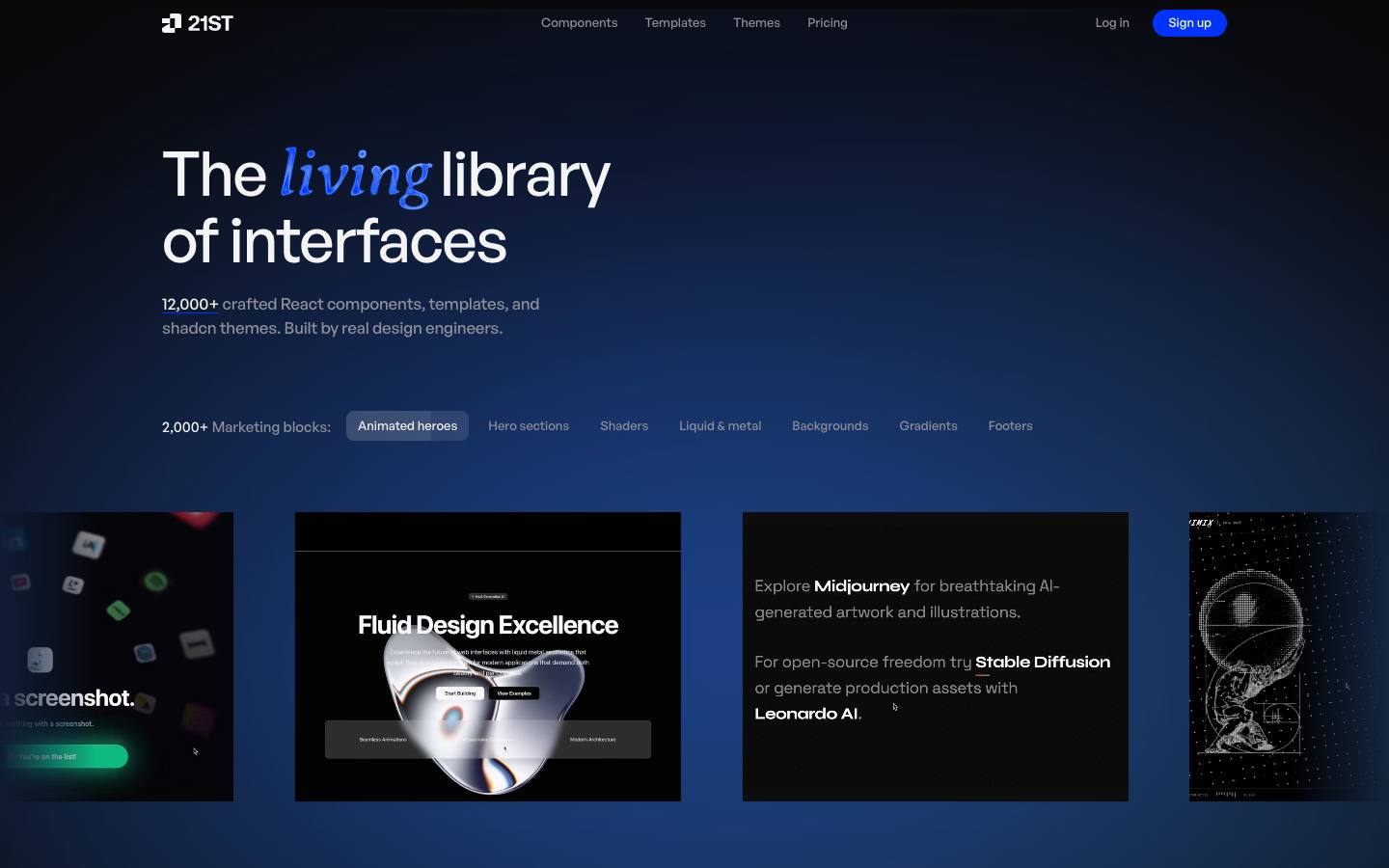
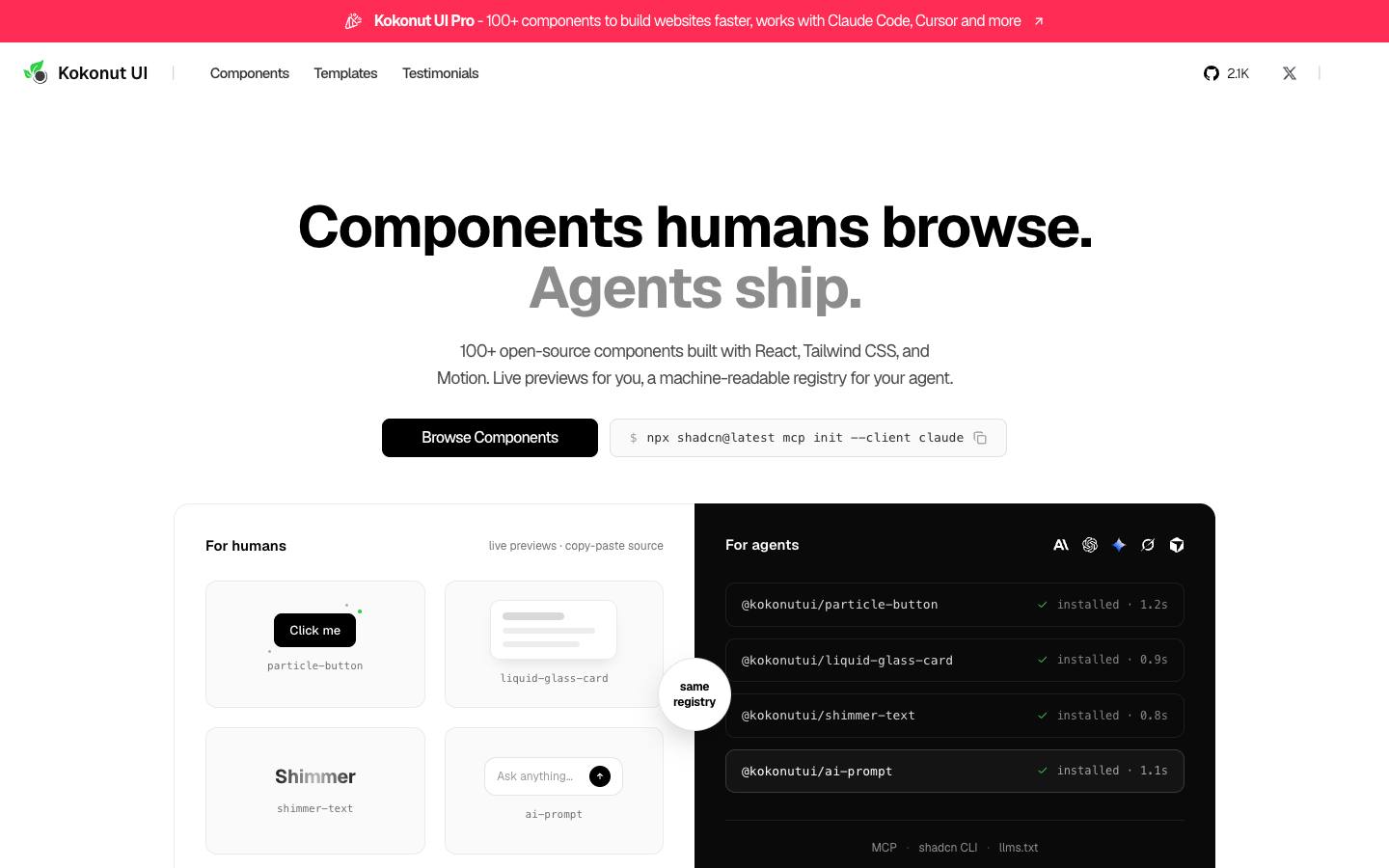
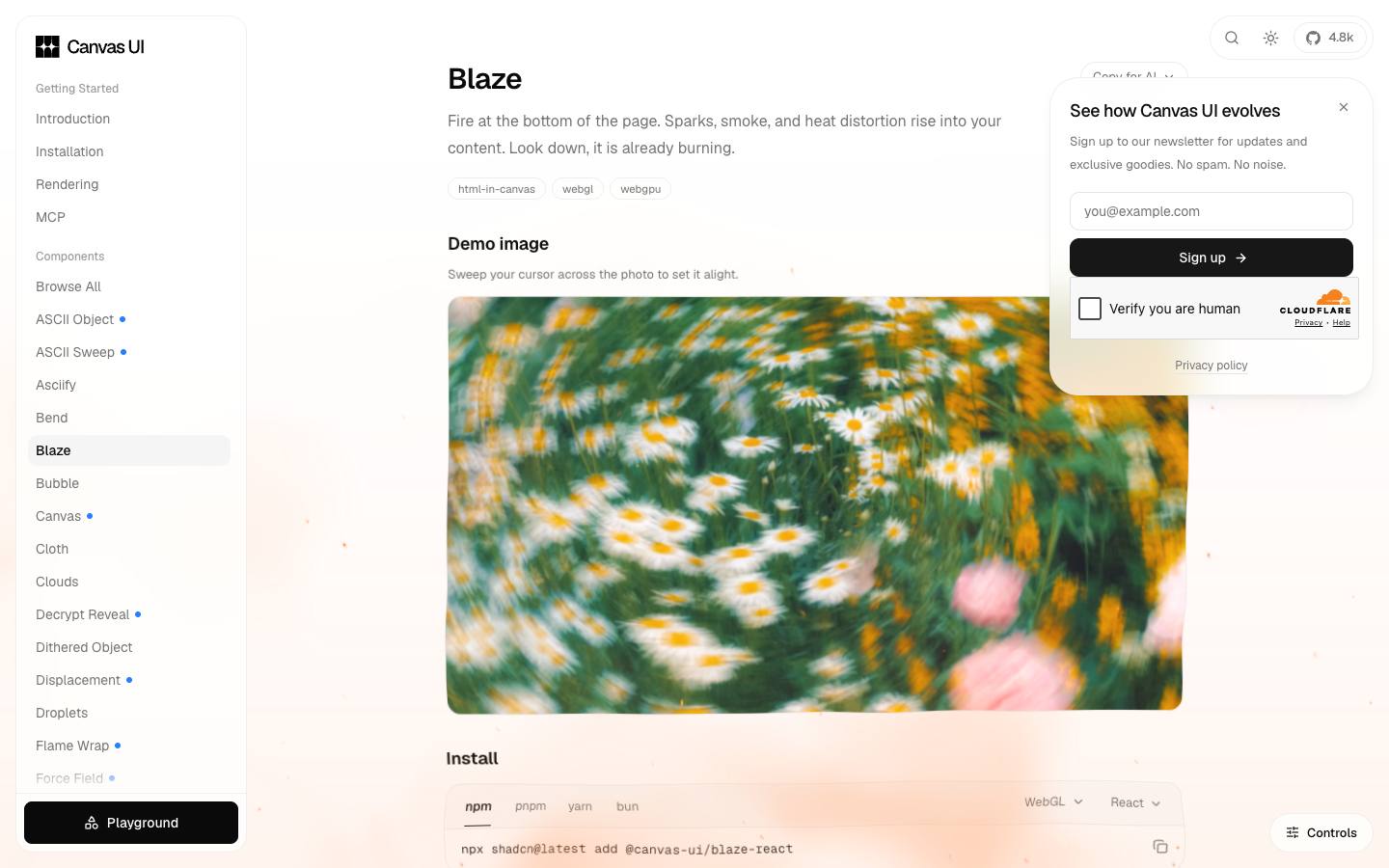
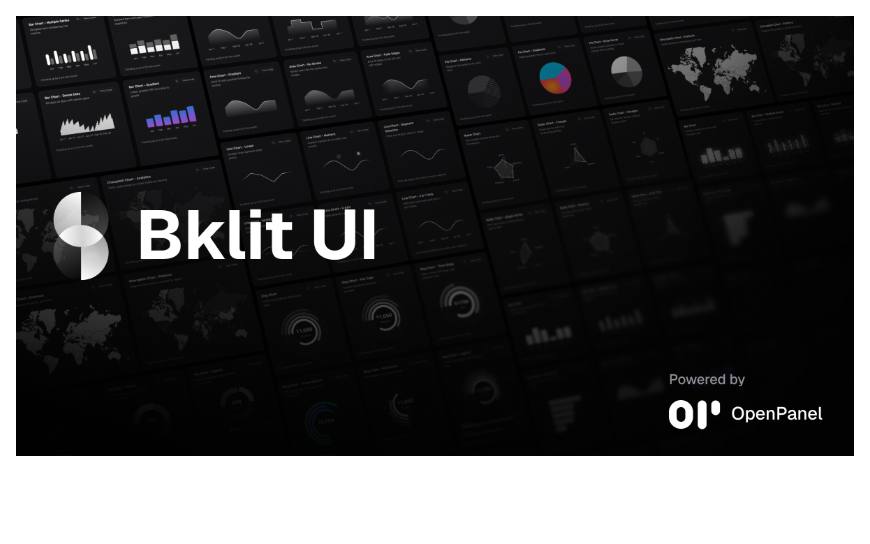
21st.dev: a community library of React UI components you can drop in or hand to an AI agent.Kokonut UI: ready-made components with a polished, modern look.Canvas UI: components with a strong visual style. Check out Blaze.Bklit UI: beautiful charts and data visualisations for dashboards.
Also worth a look: Watermelon UI, another set of copy-paste components built on the shadcn/Tailwind approach.
Motion and animation
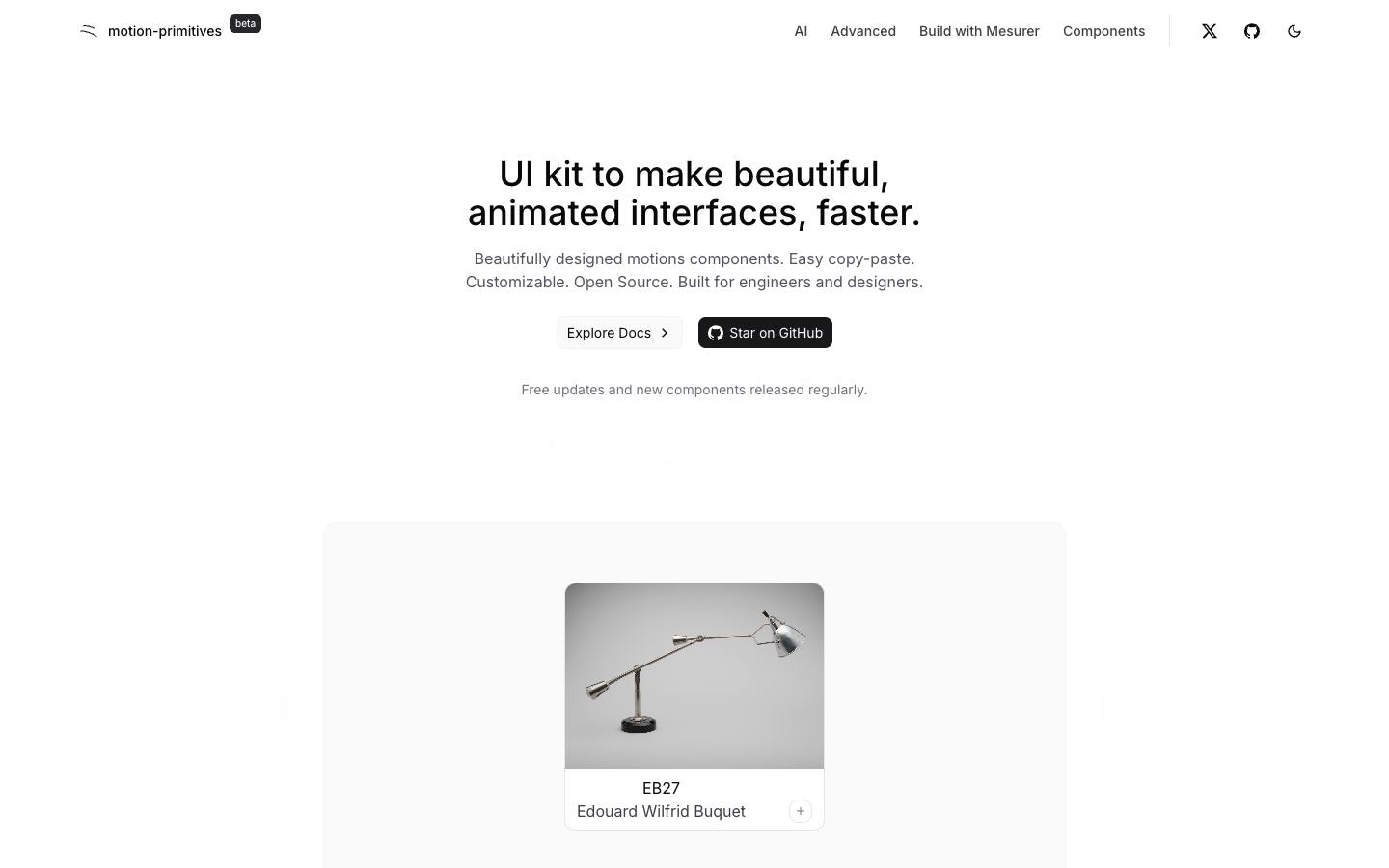
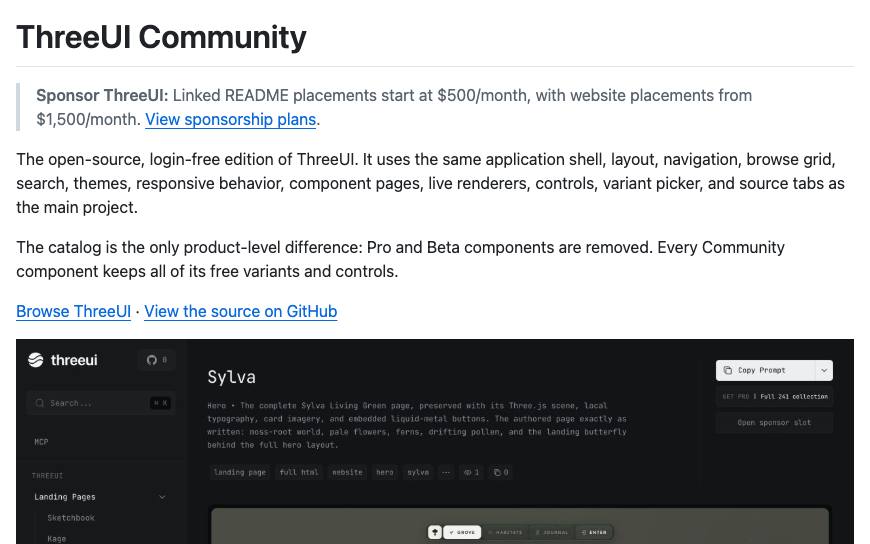
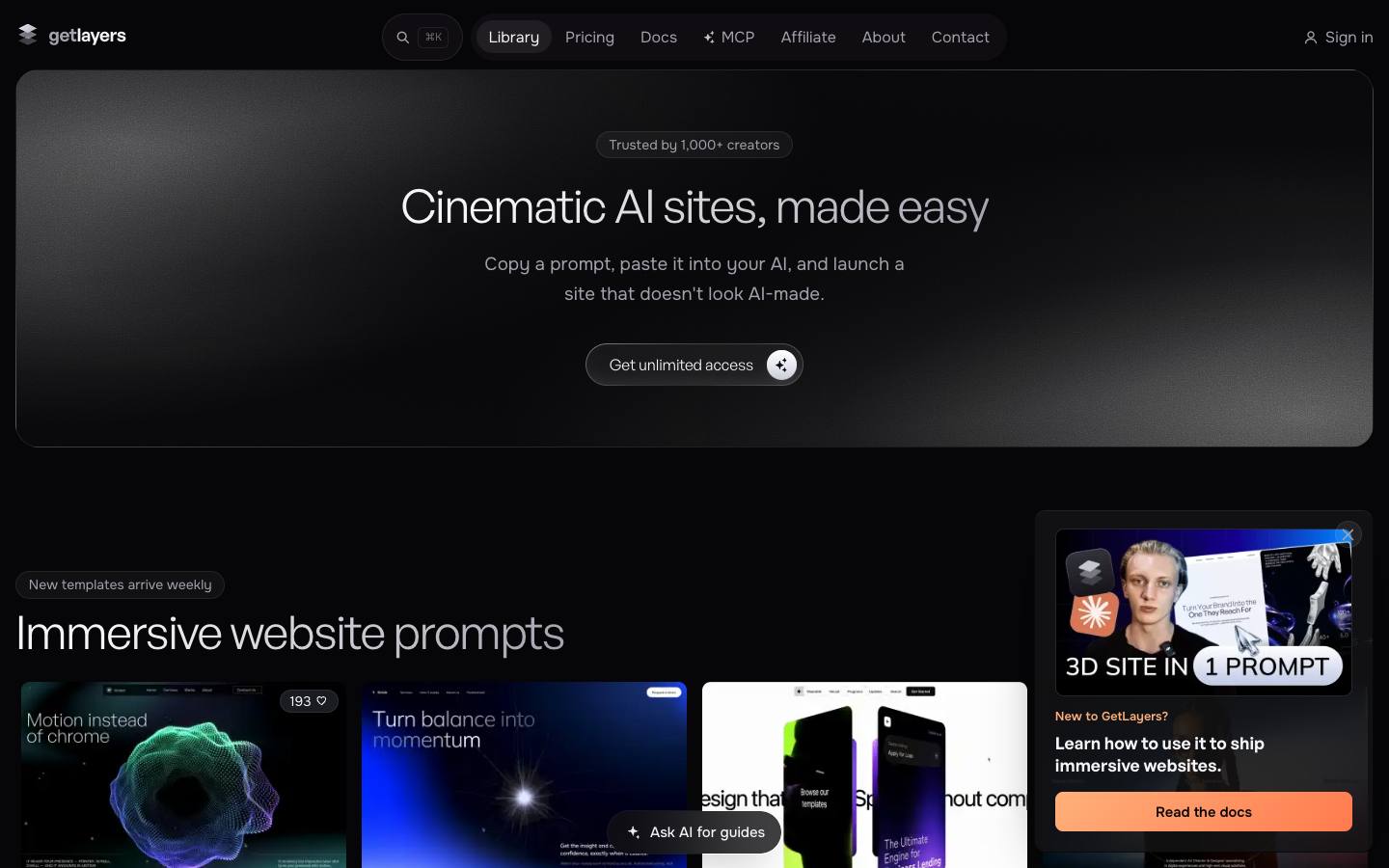
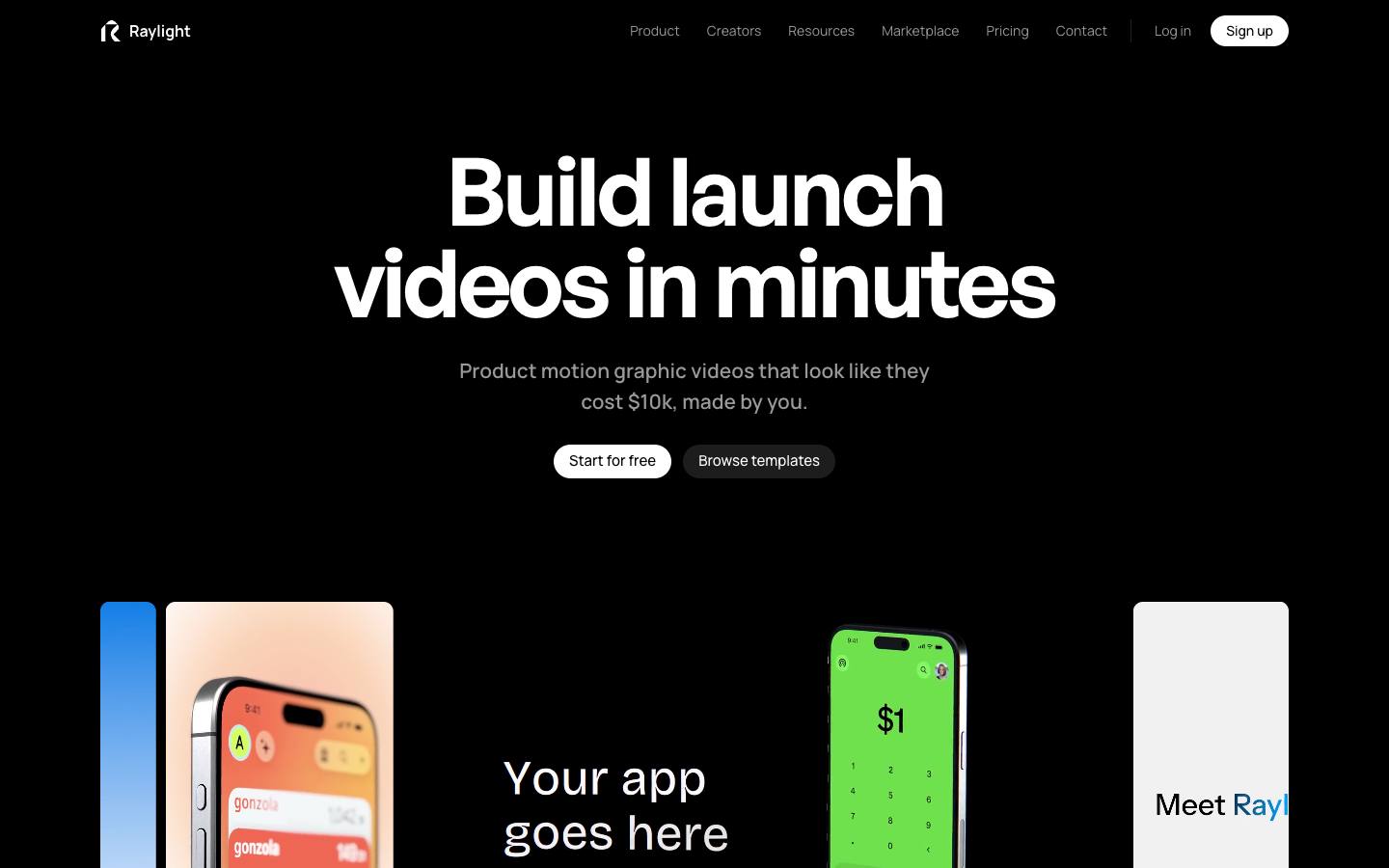
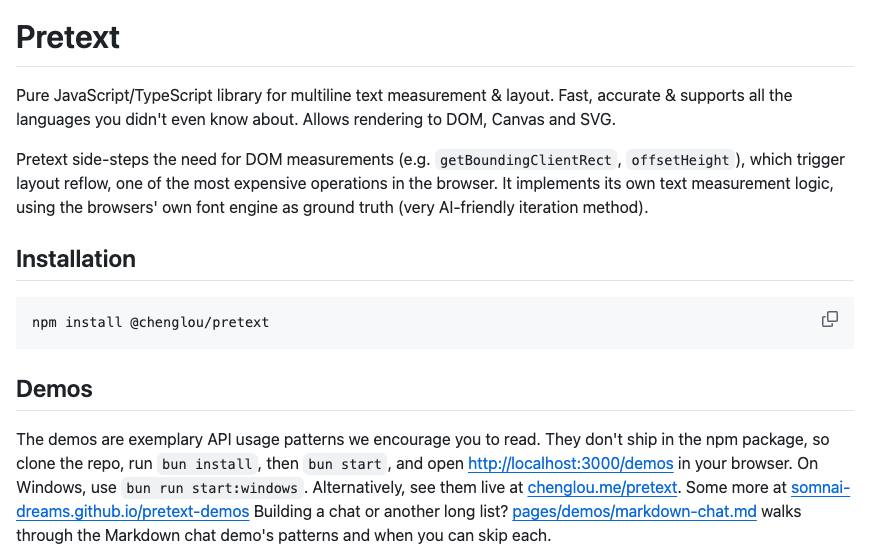
Motion Primitives: animated components (text effects, transitions, carousels) ready to paste in.ThreeUI: 160+ hero sections in Three.js by Meng To. The quickest way to a 3D hero that doesn't look like a demo.Layers: 300+ 3D scenes, 1000+ interactive gradients, 100+ backgrounds and motion sections. Everything is driven by a prompt.libraries.dev: orb animations for loading and transition states.Raylight: editable motion-graphics templates for video or web.Pretext: fast, accurate text measurement and layout by Cheng Lou. Flow elements inside text and animate them at high frame rates, which CSS alone can't do.
Backgrounds and gradients
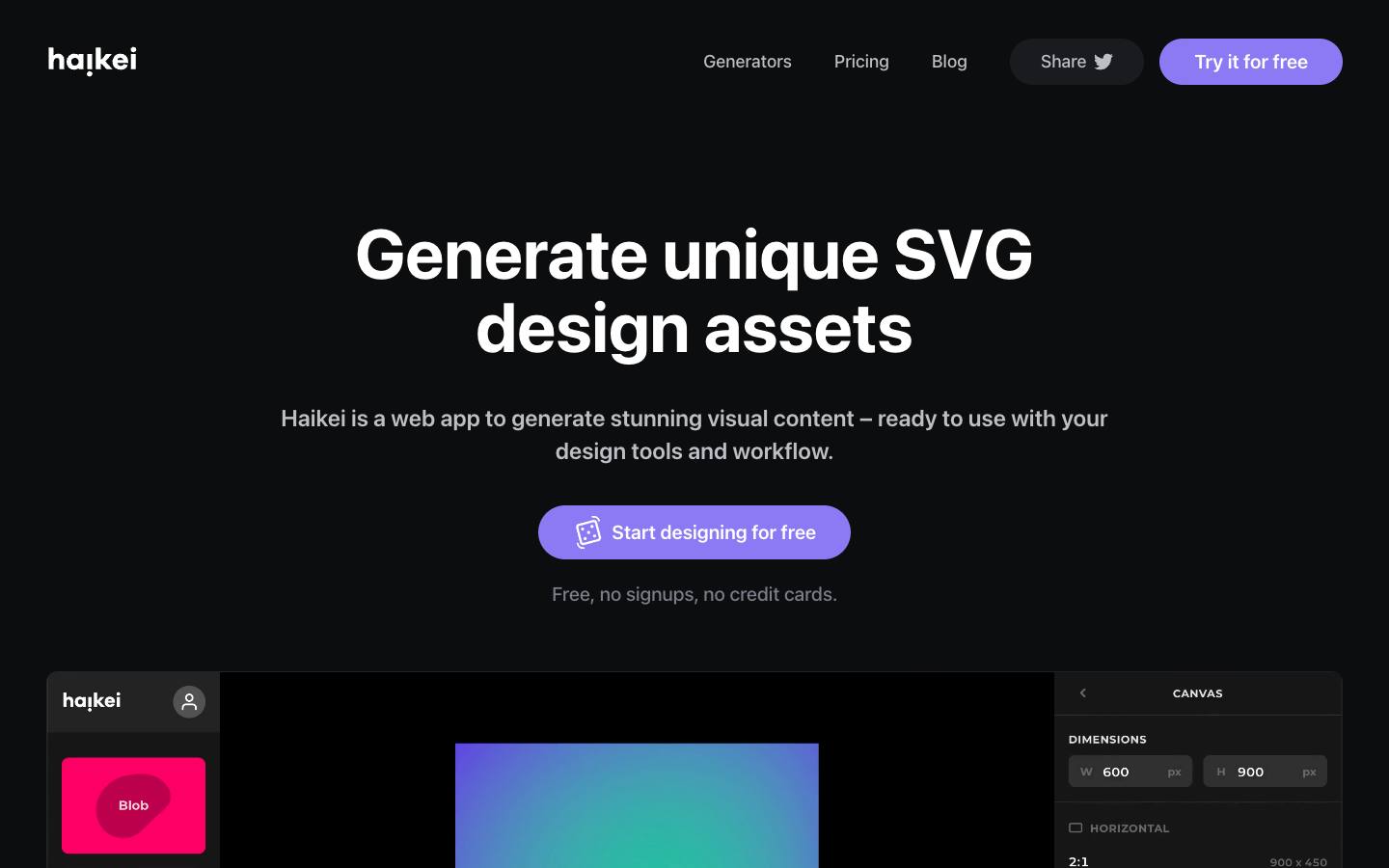
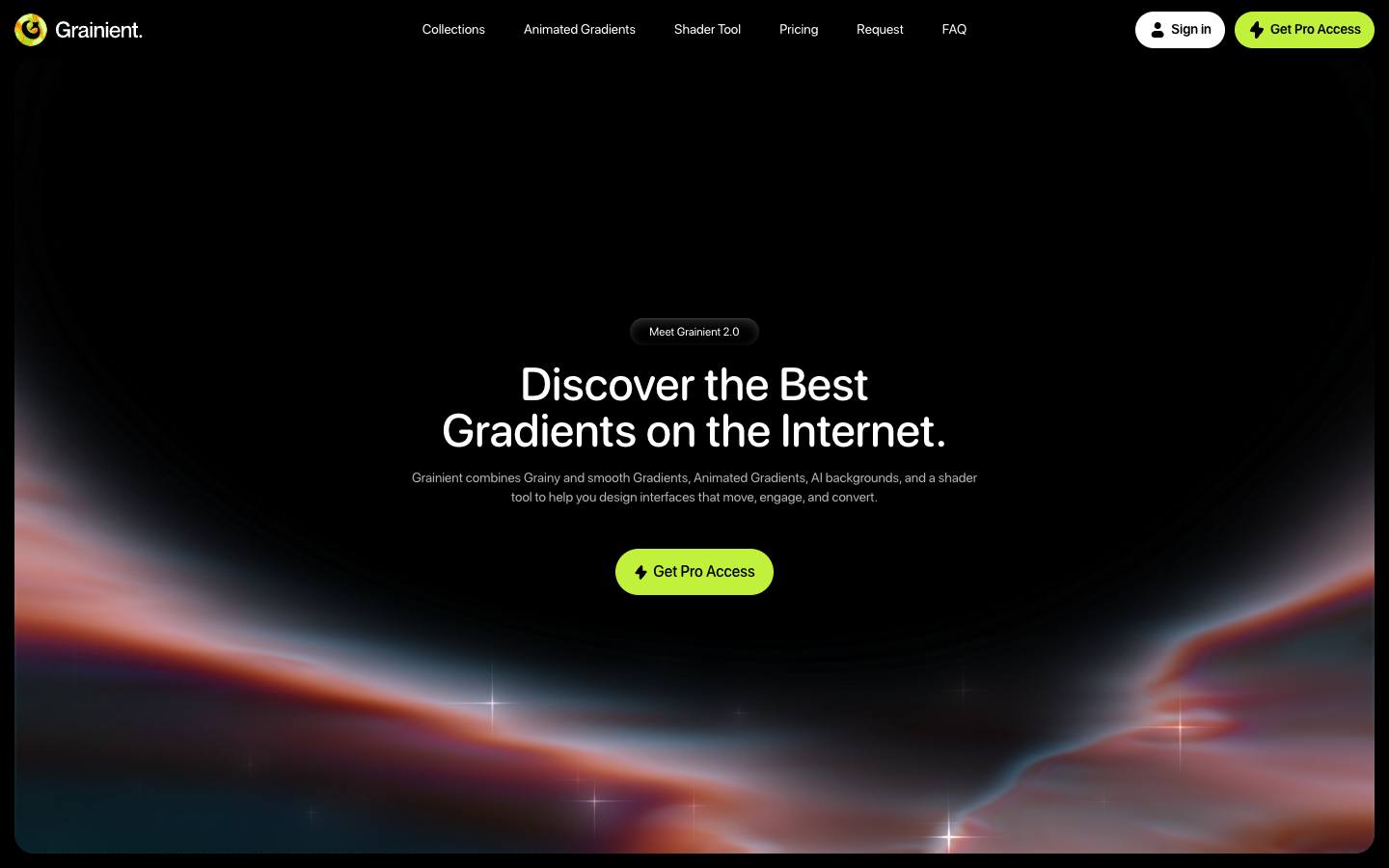
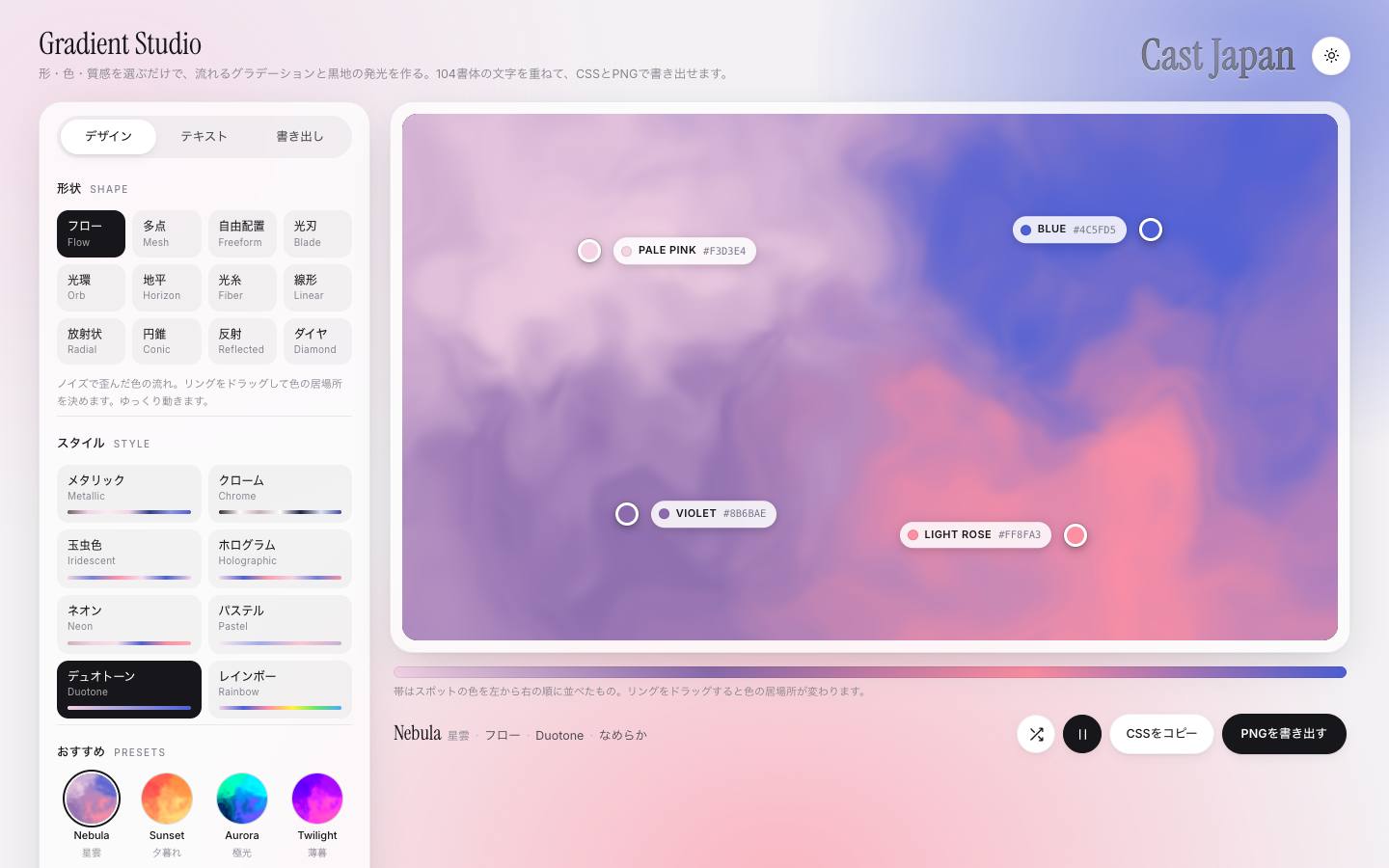
Haikei: generate unique SVG backgrounds, blobs, gradients and waves.Grainient: grainy gradient backgrounds.Gradient Studio: pick a style and a shape, get a glowing gradient, export it as CSS or PNG.
Onboarding and apps
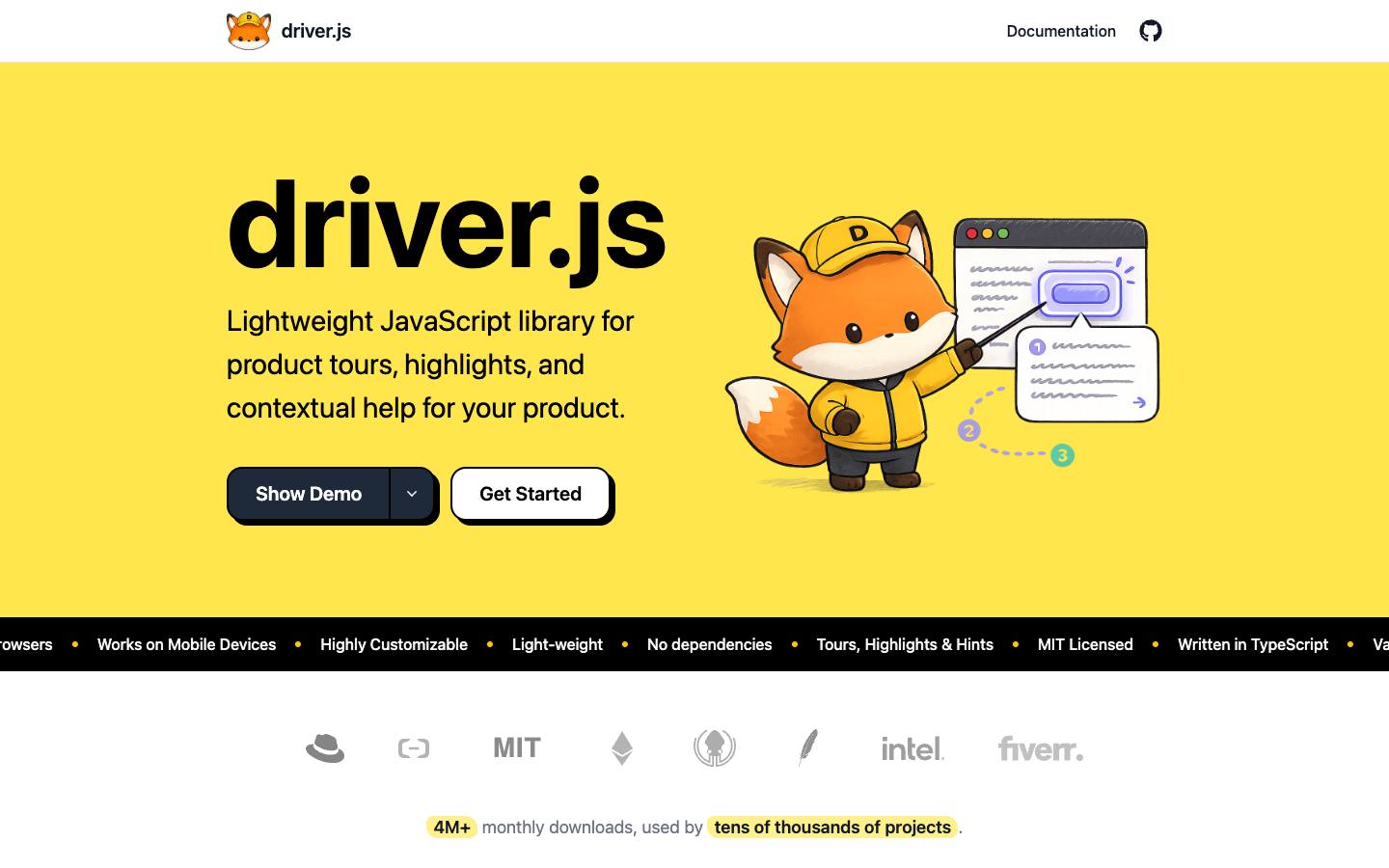
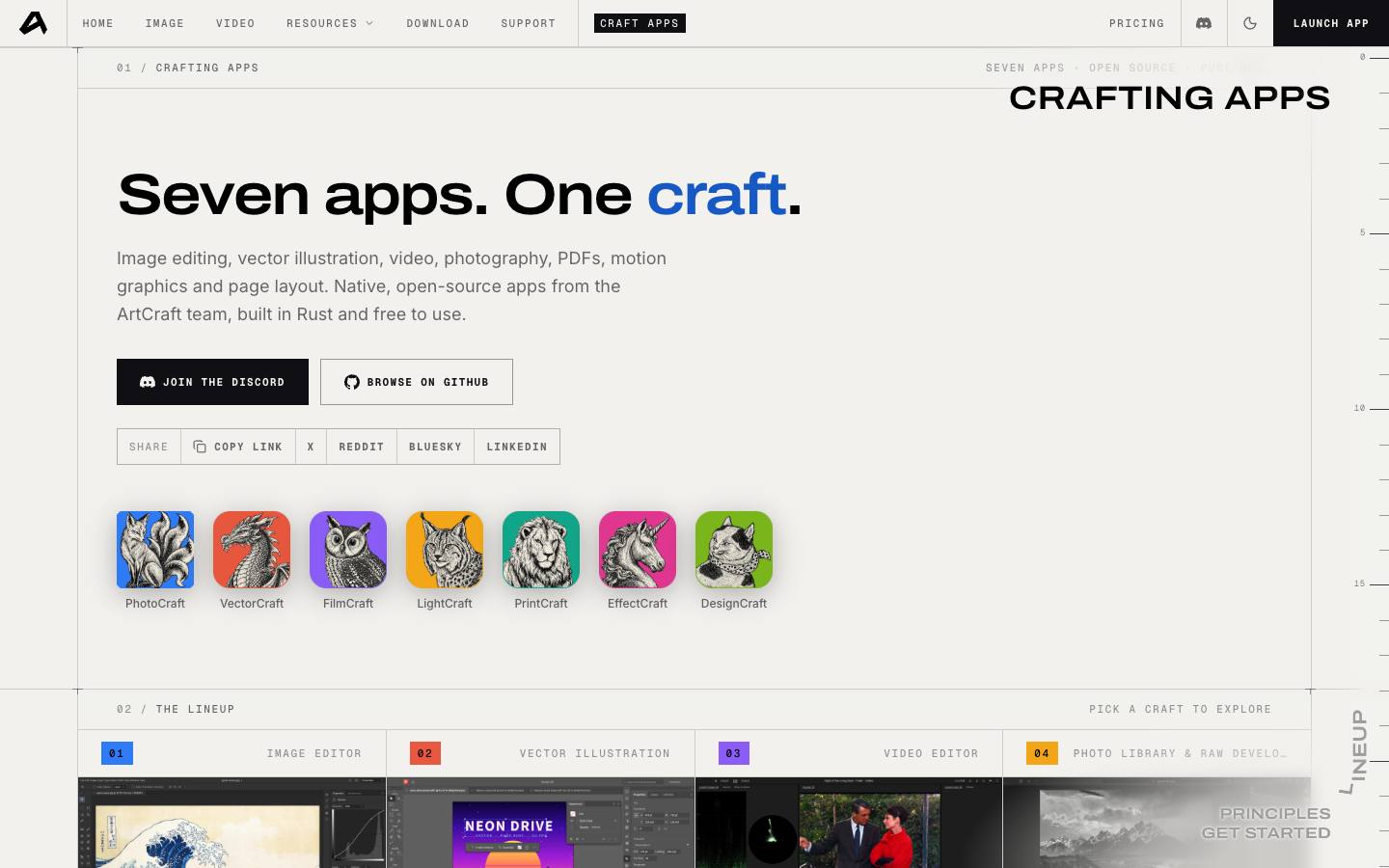
Driver.js: lightweight, dependency-free product tours, popovers and highlights for onboarding.Artcraft: a set of creative apps worth browsing.
A word of caution
Libraries make it easy to stack effects. Pick one or two motion ideas per page and let the rest stay quiet.
Motion should point at content, not compete with it.